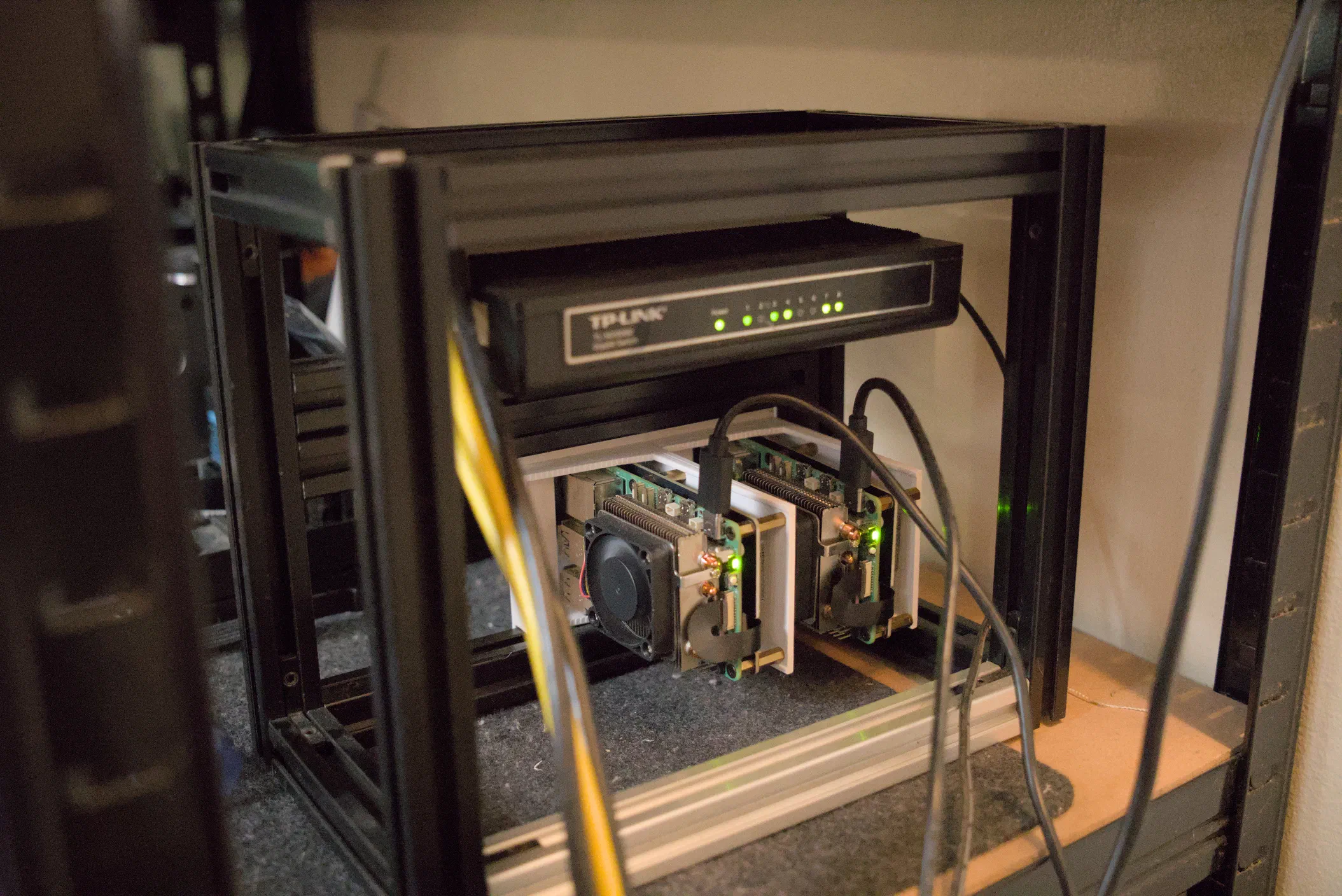
Last year, I got into homelabbing – the art of Cosplaying as a SysAdmin as Jeff Geerling calls it. Homelabbing is a term for setting up server infrastructure at home that lets one deploy and manage all sorts of different software stacks locally.
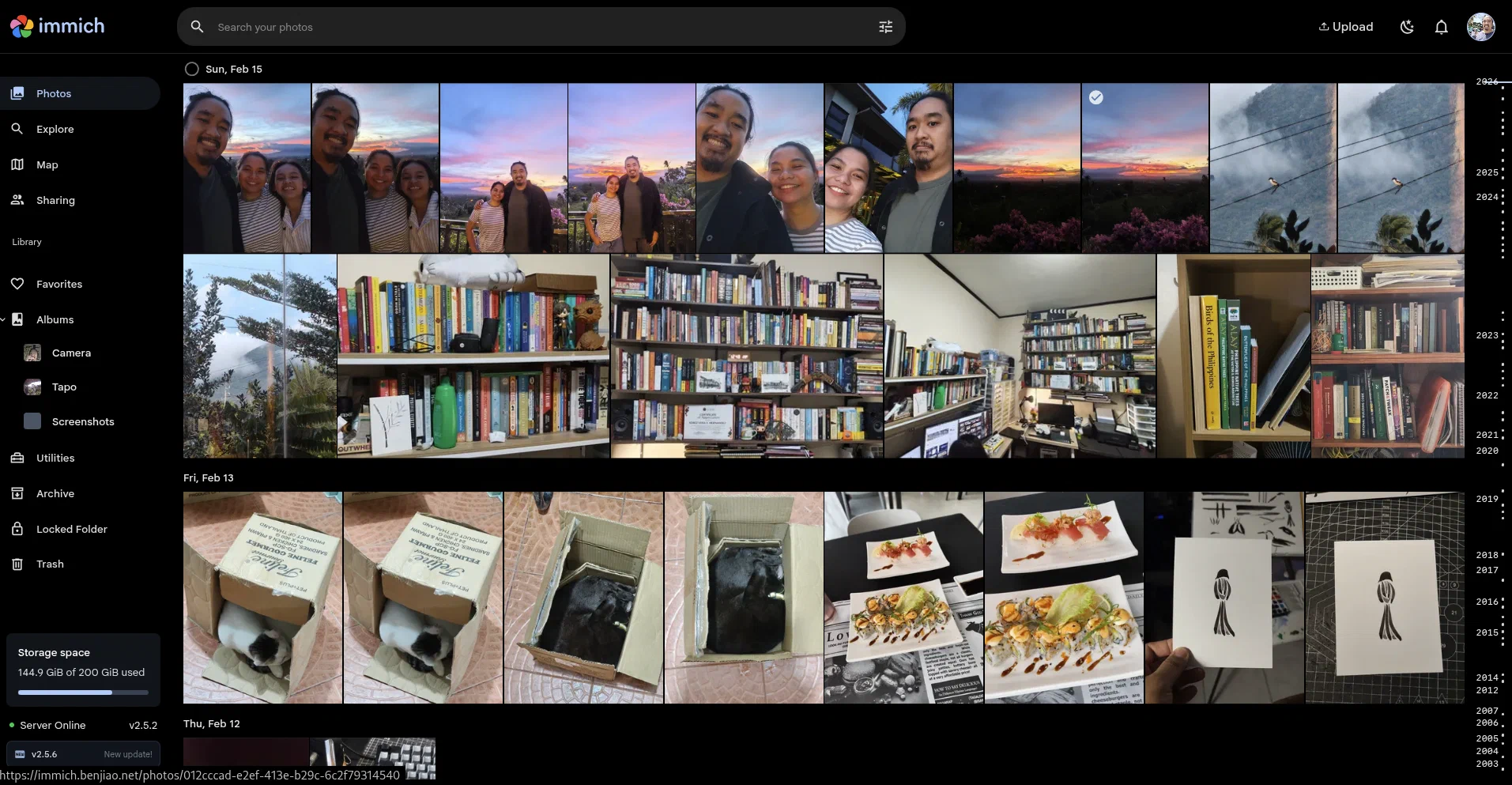
Software like Immich, a centralized storage platform for my photos.
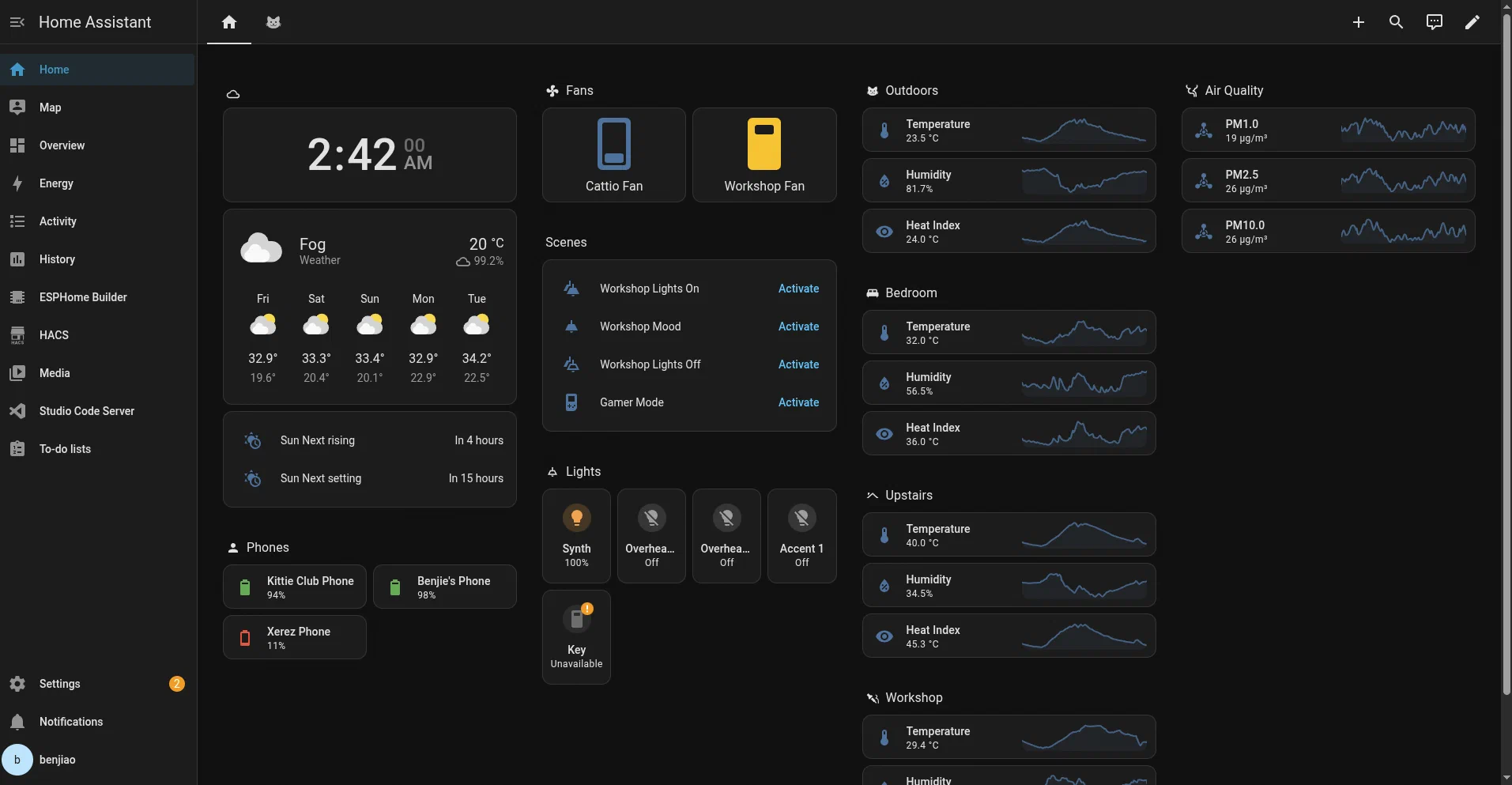
…or Home Assistant, a home automation software stack that I use to control things like lights and power sockets based on sensors I deployed around the house.
These are things that make life a little easier for us at home. But the real reason I got into this whole homelab thing is because I like tinkering.
Running my own infrastructure gives me an excuse to experiment with server management tools and learn how things work. It also gives me a safe space to try new tech without the risk of breaking anything related to my work.
I’d probably have to write a full article for every component in my lab, but for now, let me give you an overview.
Hardware
As much as possible, I try not to use cloud services. Apart from the savings I get from avoiding the monthly costs of cloud hosting, I think part of the charm of homelabbing and self-hosting is learning how to manage physical machines. And for me, those machines are: A cluster of Rasbperry Pi’s and one main server I built using old PC parts.
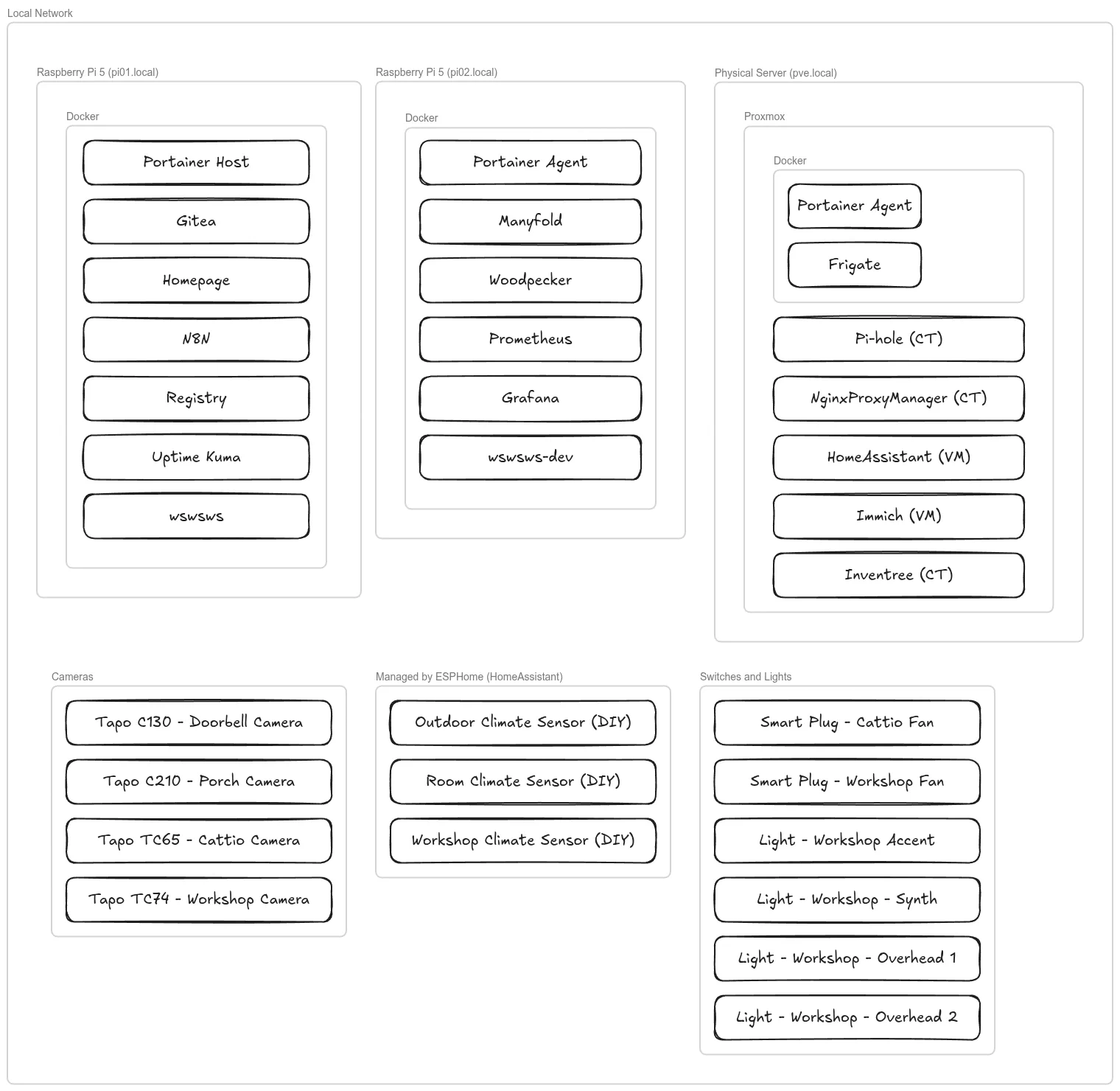
Main Server and NAS (pve)
My main server is a PC built with parts from old computers. The case is an old PC case that my wife (then girlfriend) bought me as a gift almost 15 years ago. I cut holes through the front and added harddrive bays.
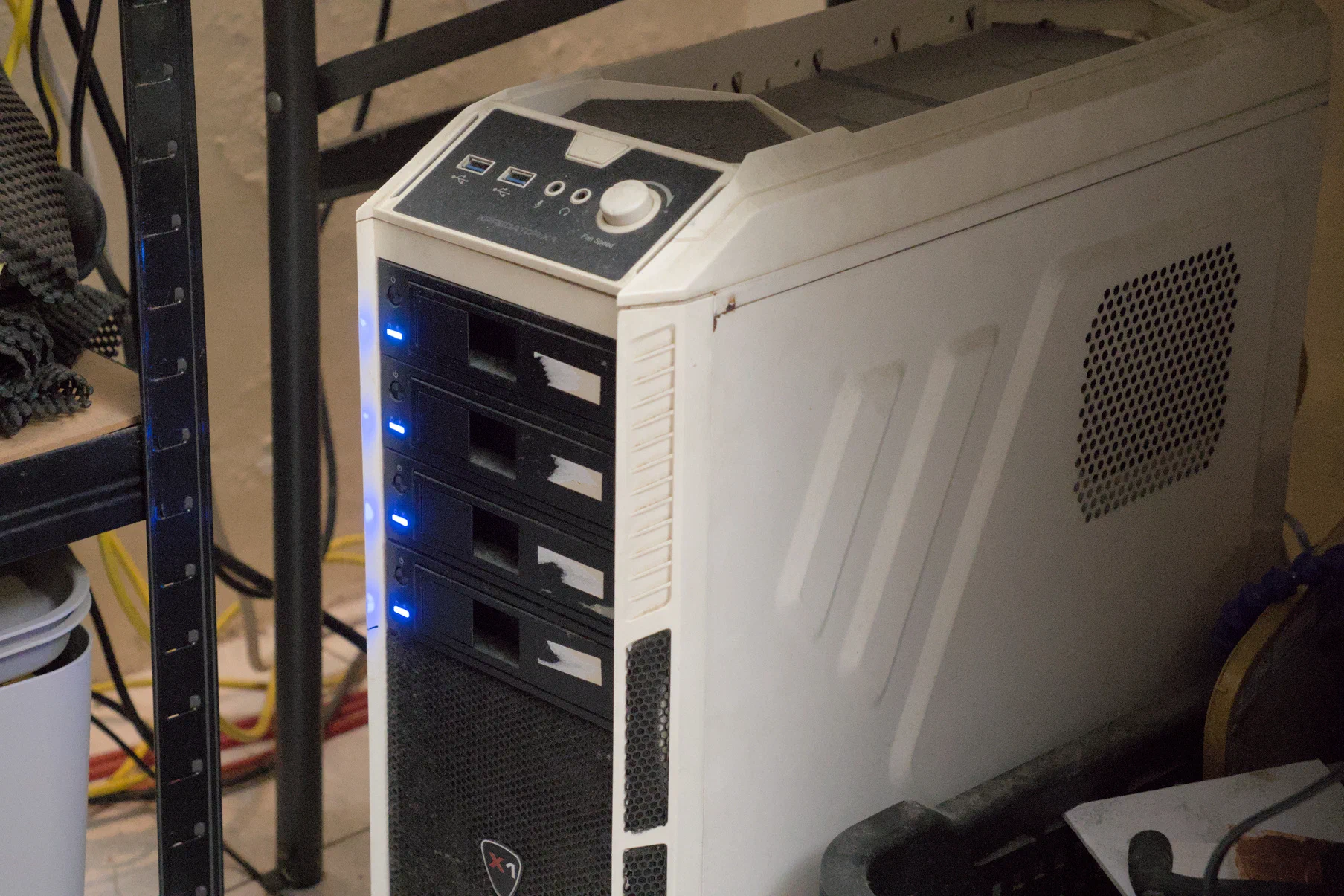
Specs for anyone interested:
- CPU: Ryzen 5 3600X 6-core 12 threads
- RAM: 32GB
- Storage: 4x2TB HDD, 1x500MB SATA SSD
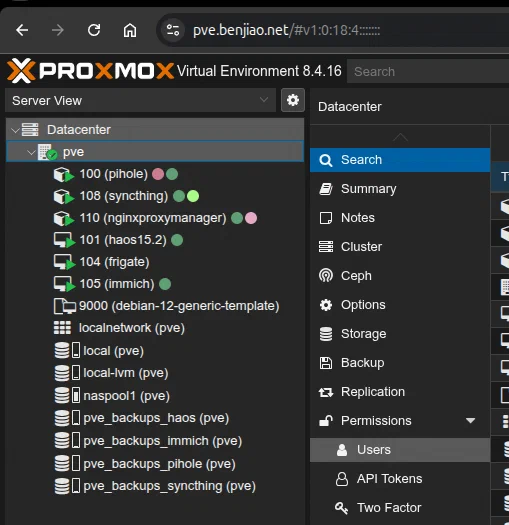
It’s running Proxmox, which allows me to spin up virtual machines that I can use to experiment with new things in a way that doesn’t affect applications that are already running and in use.
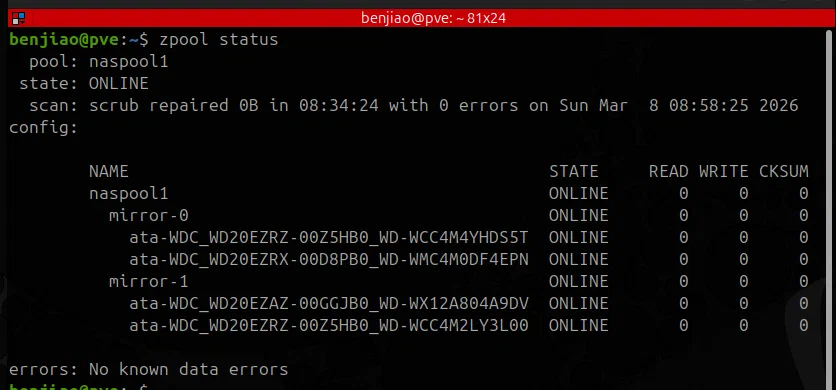
The four drives installed in this server are in a mirrored setup using ZFS. This means at most two of the drives can die without losing data. It has a total of 4TB usable space (for now).
I also used NFS to make the storage space in this server available to my other machines.
Raspberry Pi Cluster (pi01 and pi02)
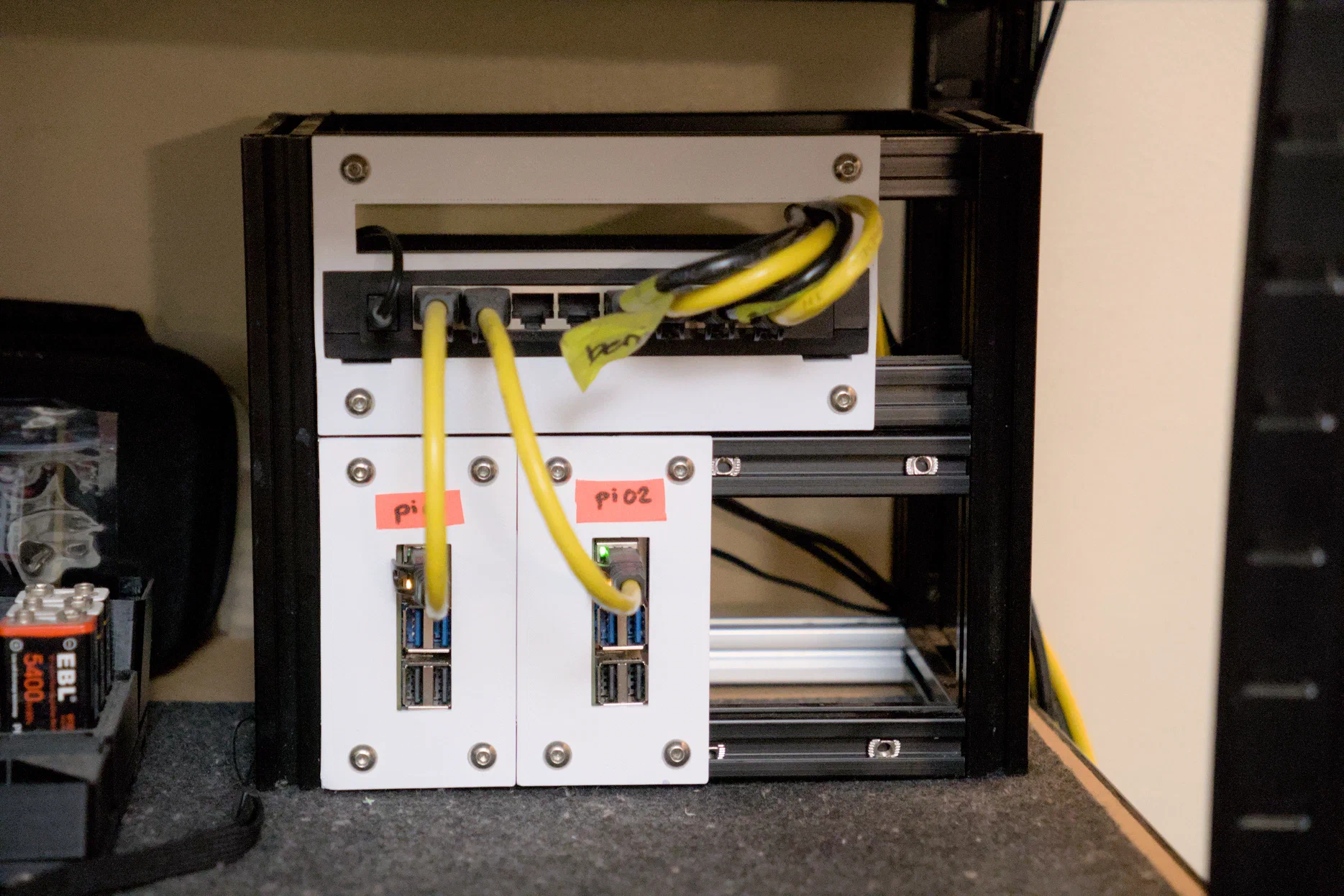
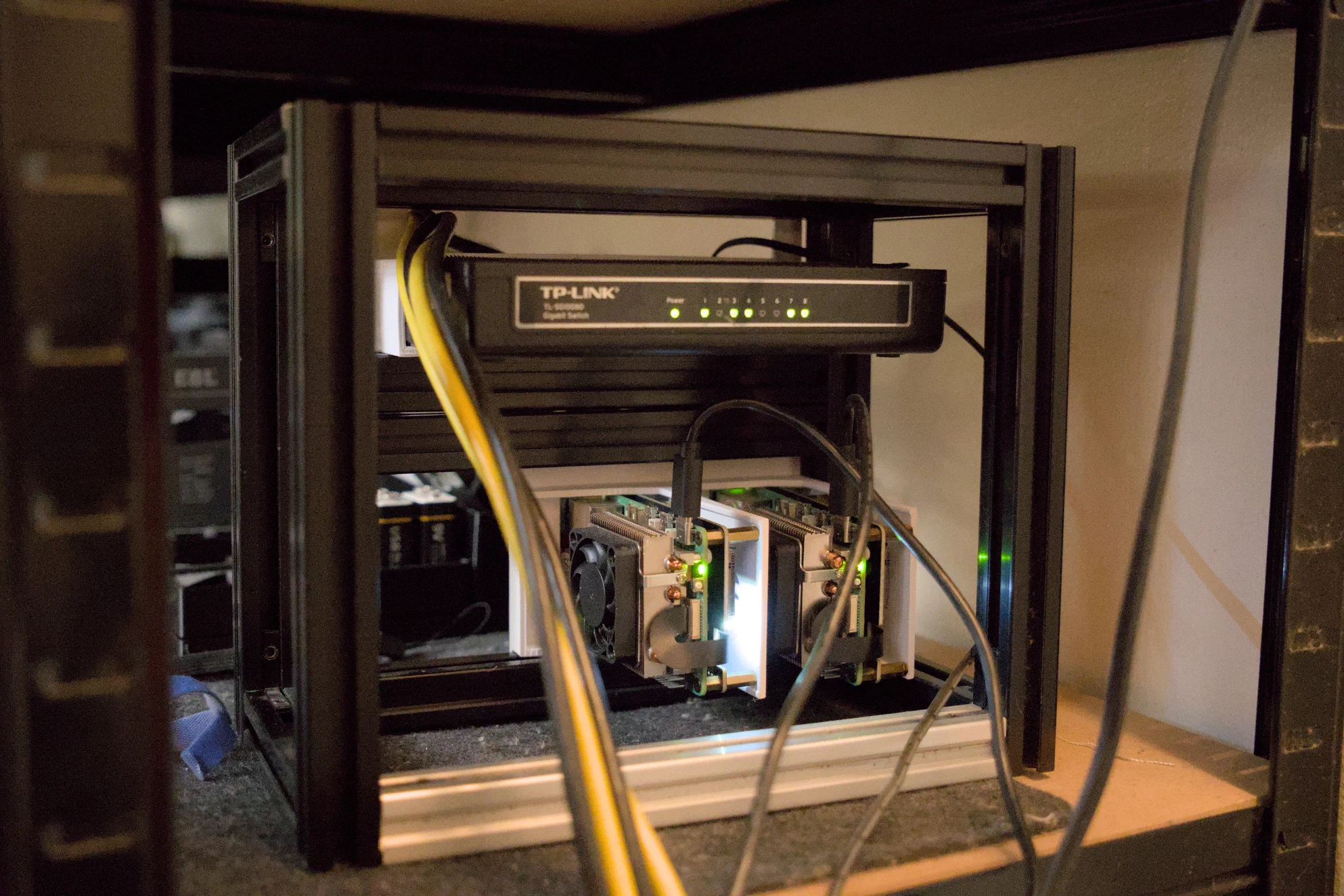
My cluster is currently composed of two 8GB Raspberry Pi 5’s running Docker and Portainer. It’s on a rack I made out of 2020 aluminum extrusions and 3D-printed panels that I’ve generated through my ServerPanelMaker library for OpenSCAD.
I use Portainer as a web interface to manage multiple Docker hosts in one place.
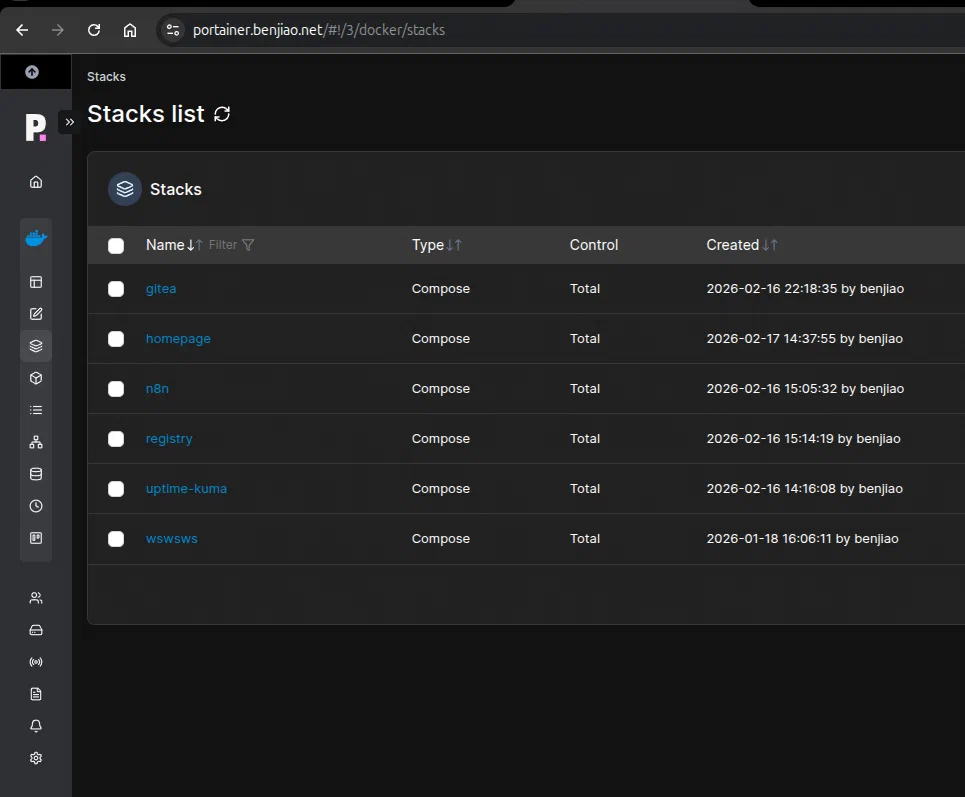
I have all of my docker-compose files on Github. My Portainer pulls directly from these and then deploys them as stacks.
Software
Now that I have told you about my hardware set up, what do i do with it?
Here’s a quick list of things I have deployed.
Infrastructure
These services keep the rest of my homelab running.
- Proxmox – Virtualization platform where I run many of my VMs and containers.
- Portainer – Web UI for managing Docker containers and stacks.
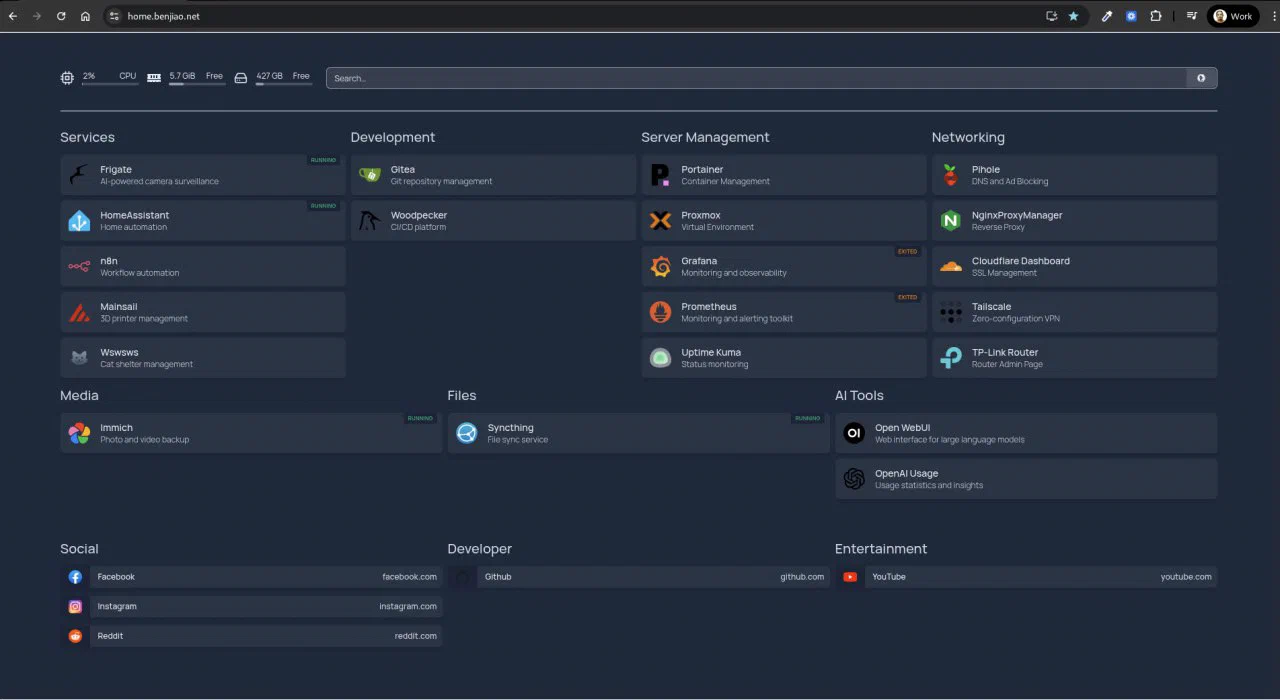
- Homepage - Dashboard that links to all of my services.
Monitoring & Observability
These tools help me understand how my machines are performing.
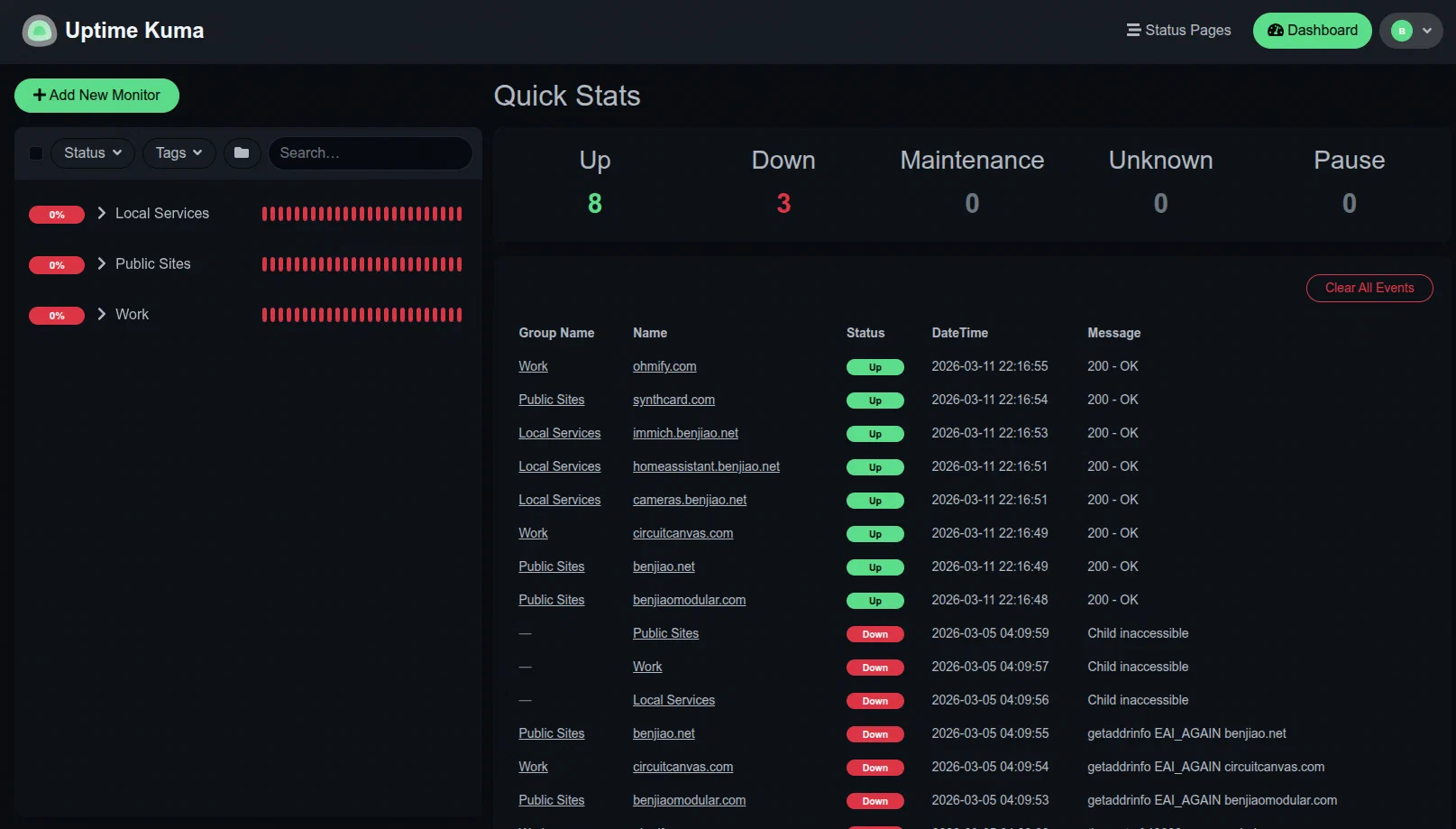
- Uptime Kuma - Monitors service uptime.
- Prometheus - Collects metrics from servers and services.
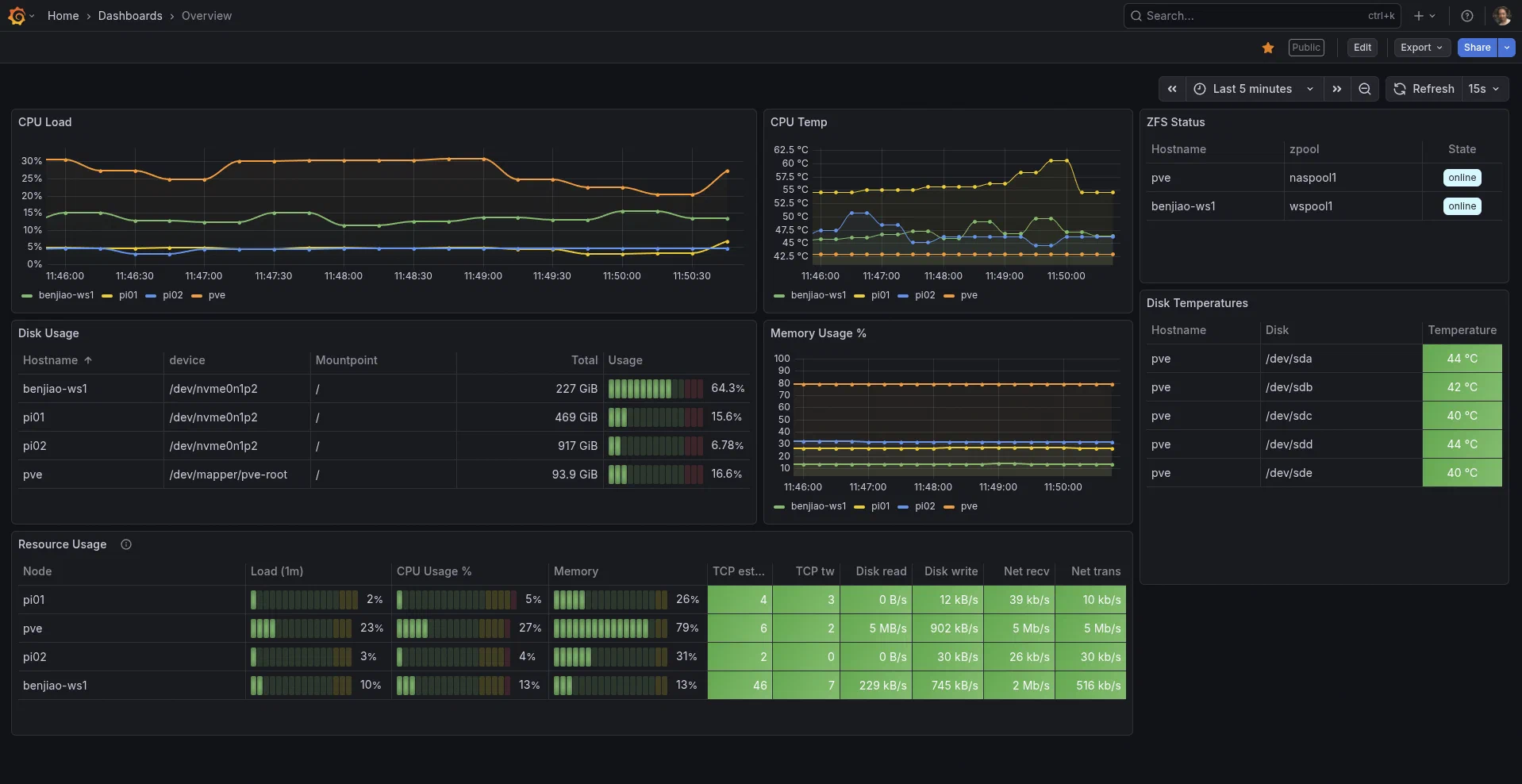
- Grafana - Visualizes those metrics in dashboards.
Networking
These services manage local networking and DNS.
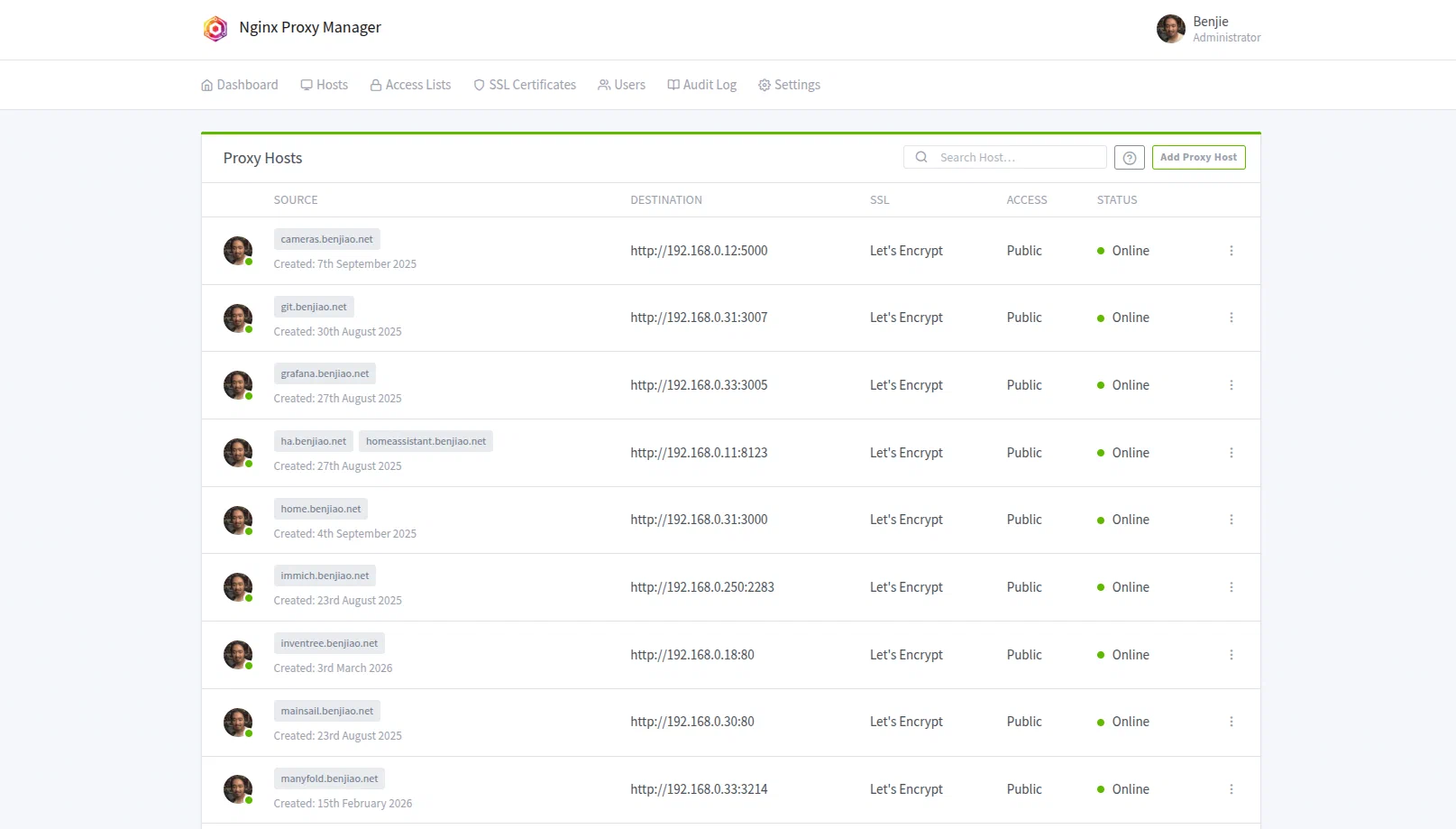
- Nginx Proxy Manager - Reverse proxy that routes traffic to my services.
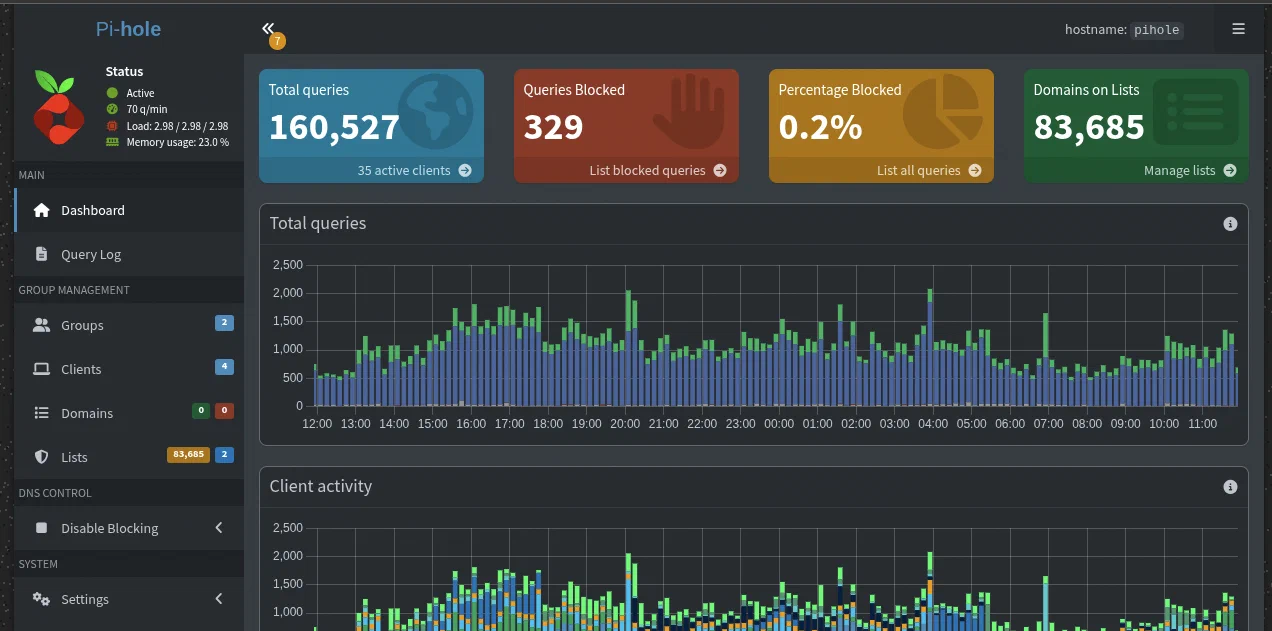
- Pi-hole - DNS server and ad blocker. I also use it to route local *.benjiao.net domains.
Automation
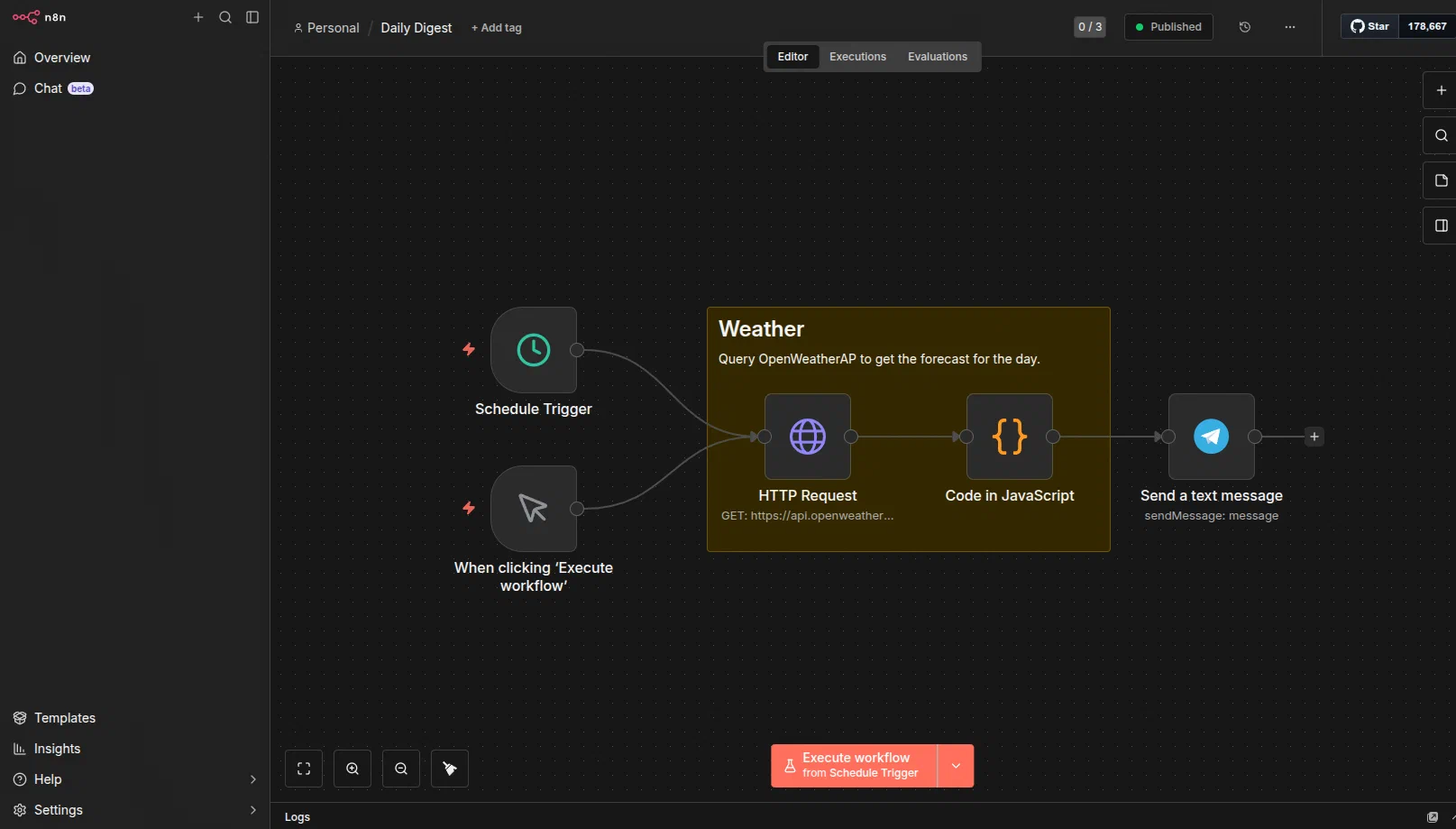
N8N - Workflow automation. Right now, it sends me Telegram messages about the weather every morning, but it’s capable of so much more!
Home Assistant - Home automation software. I connect lights, smart sockets, cameras, DIY sensors, etc to it. This lets me control them through a dashboard, an app on my phone, or thorugh automations.
Workshop Management
These are services that help me keep my workshop organized.
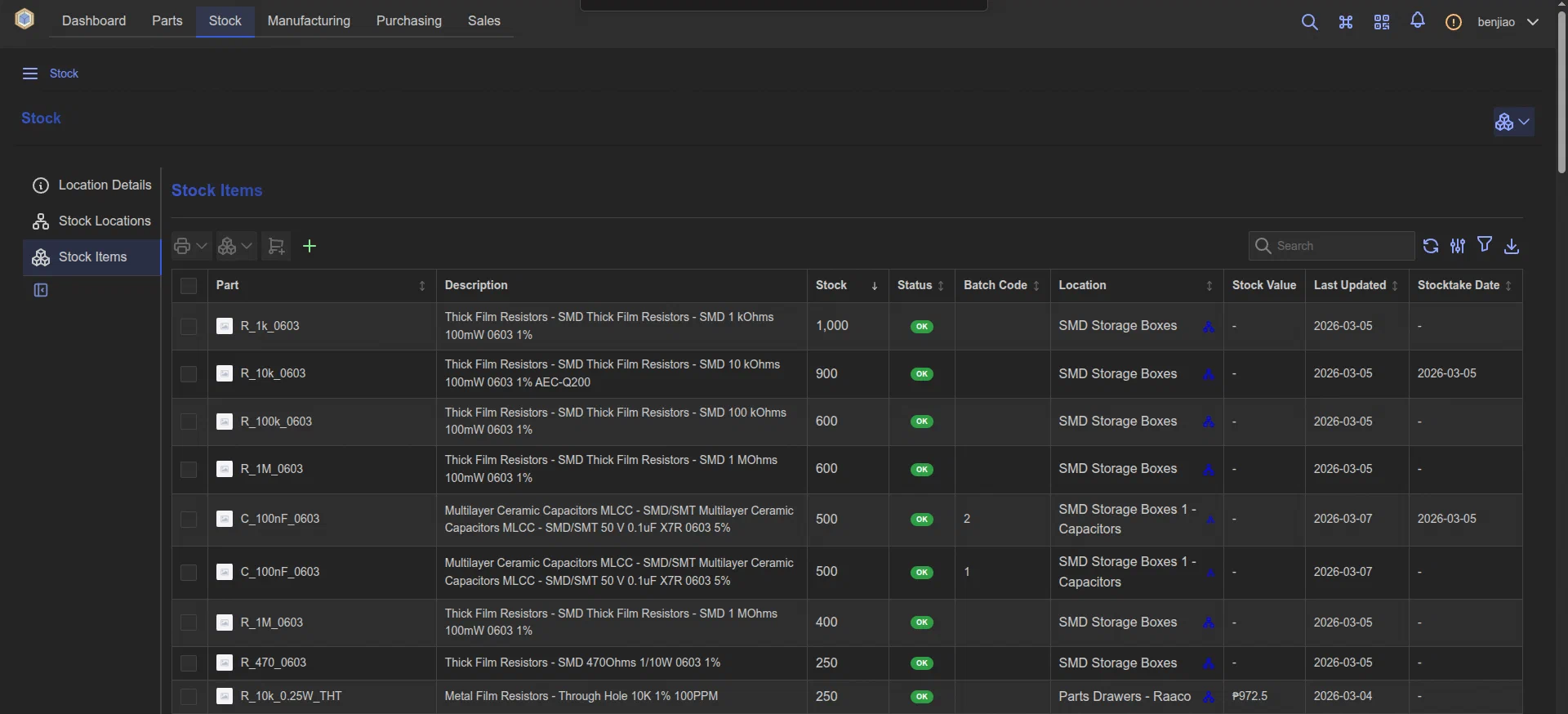
Inventree - Inventory management system. I use this to keep track of parts and supplies that I have in my workshop.
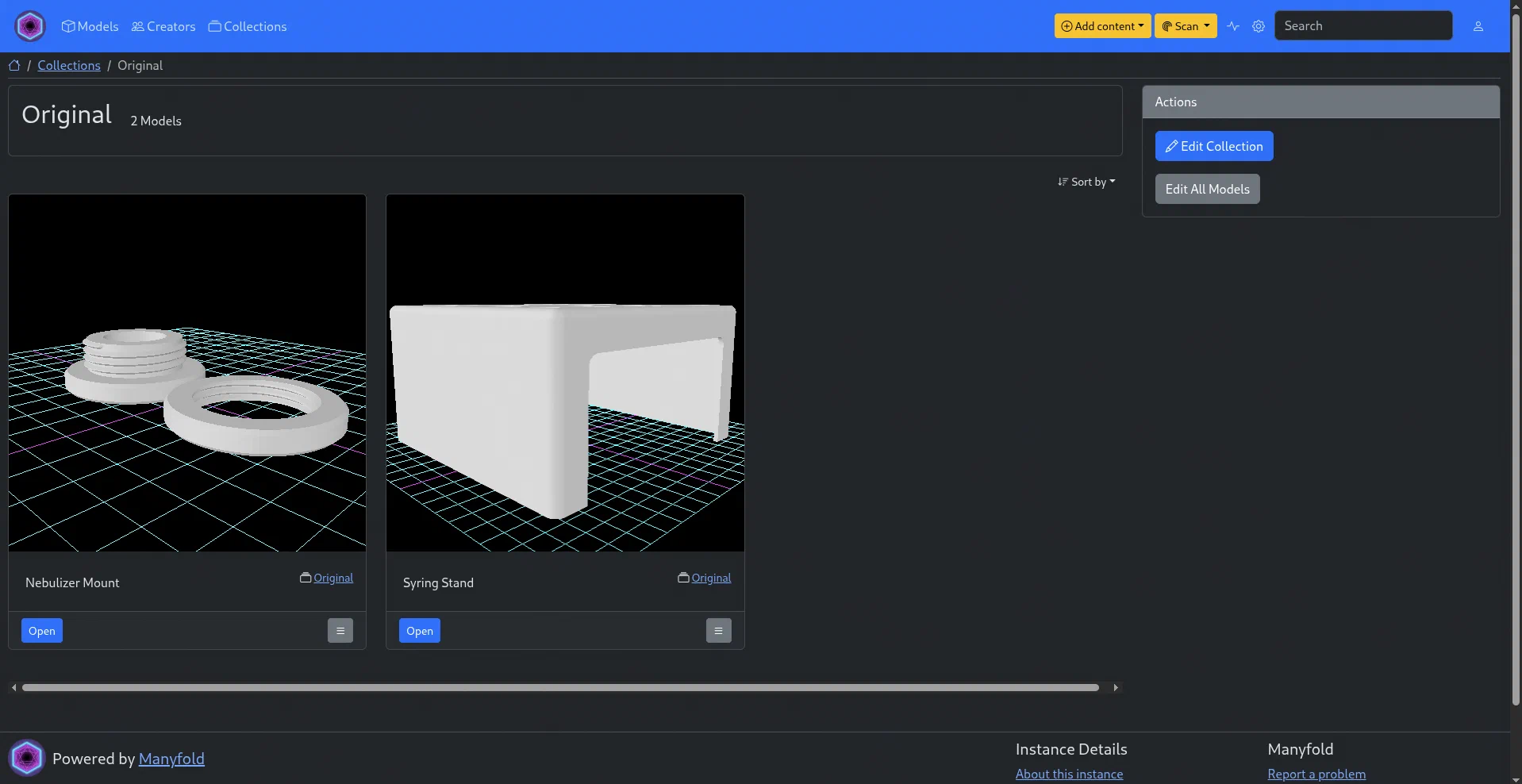
Manyfold - 3D-model inventory management. This is where I keep all the models (both 3rd-party and original) that I’ve printed previously and that I might want to print again in the future.
Home Security
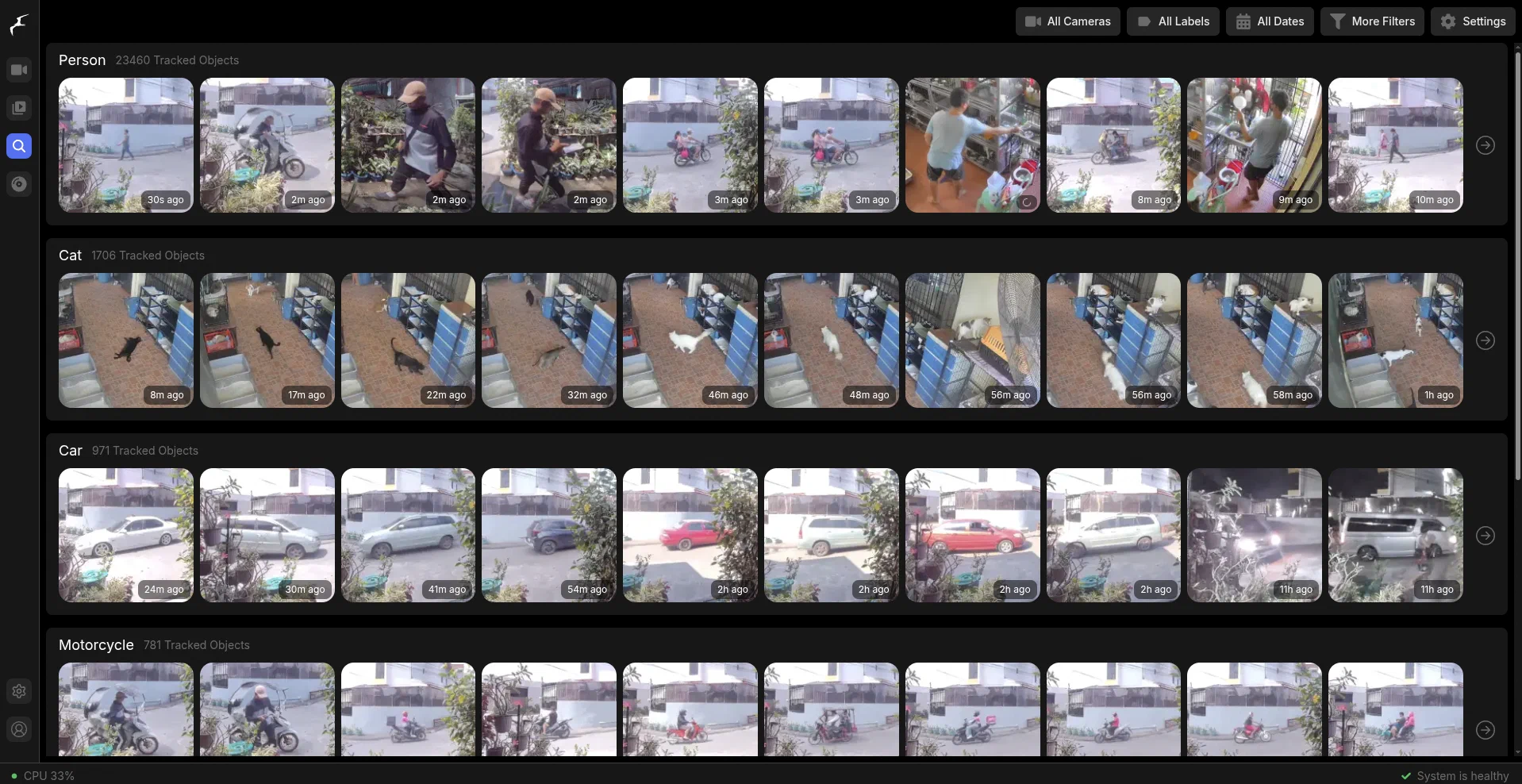
- Frigate is a network video recorder software. I run all of our security cameras through it for more advanced object classification.
Media Management
- Immich – Self-hosted photo library. I use the mobile app to sync my photos and videos to this server so I have a backup and also so I can free up space on my phone.
Software Development
These are services that help me with software development.
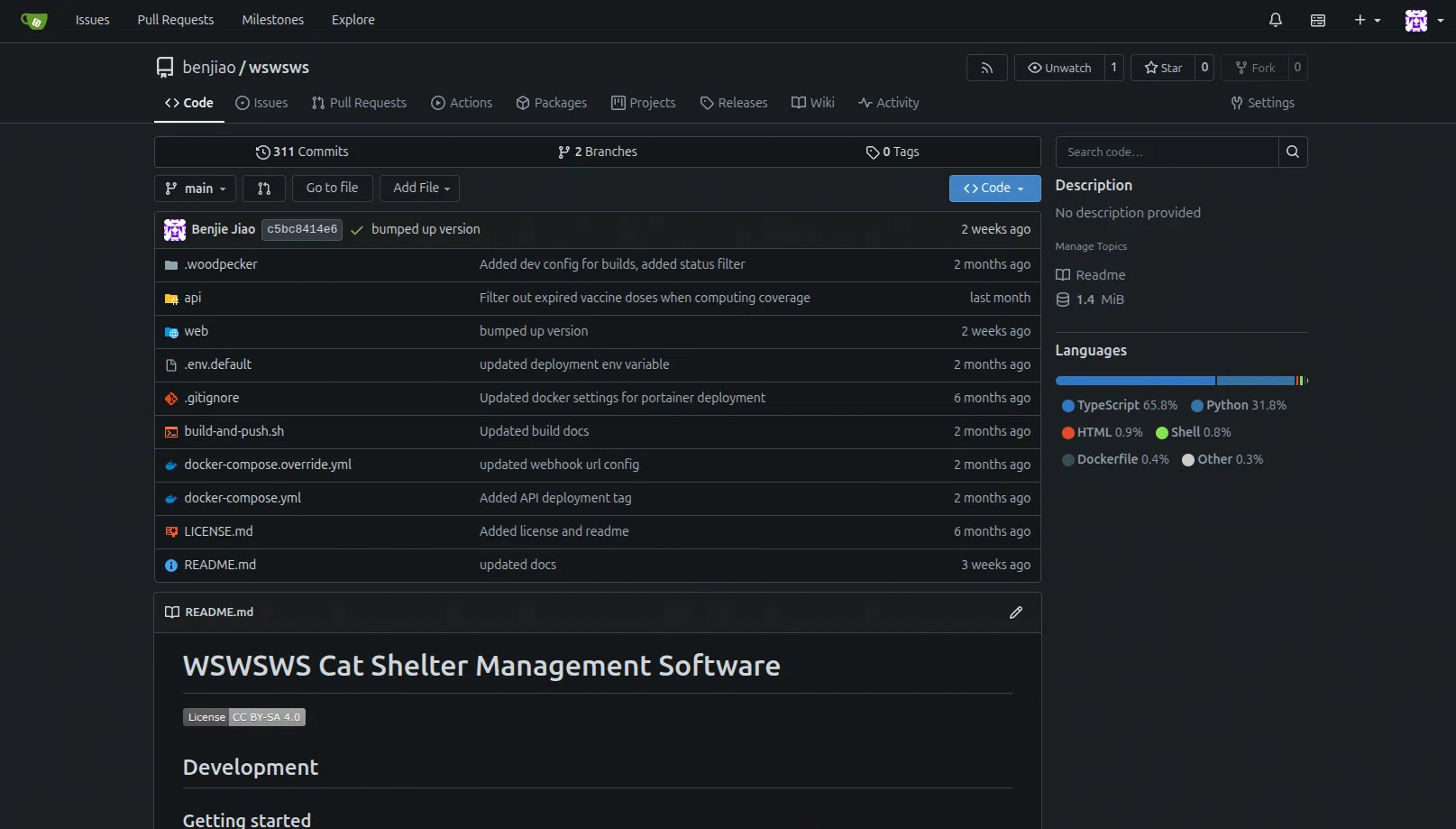
- Gitea - A self-hosted Git server.
- Registry - Local Docker container registry for storing container images.
- Woodpecker - CI/CD engine for building and deploying projects. I’ve been using it to make new Docker builds of my projects everytime I push into the Git repo’s
mainanddevbranches.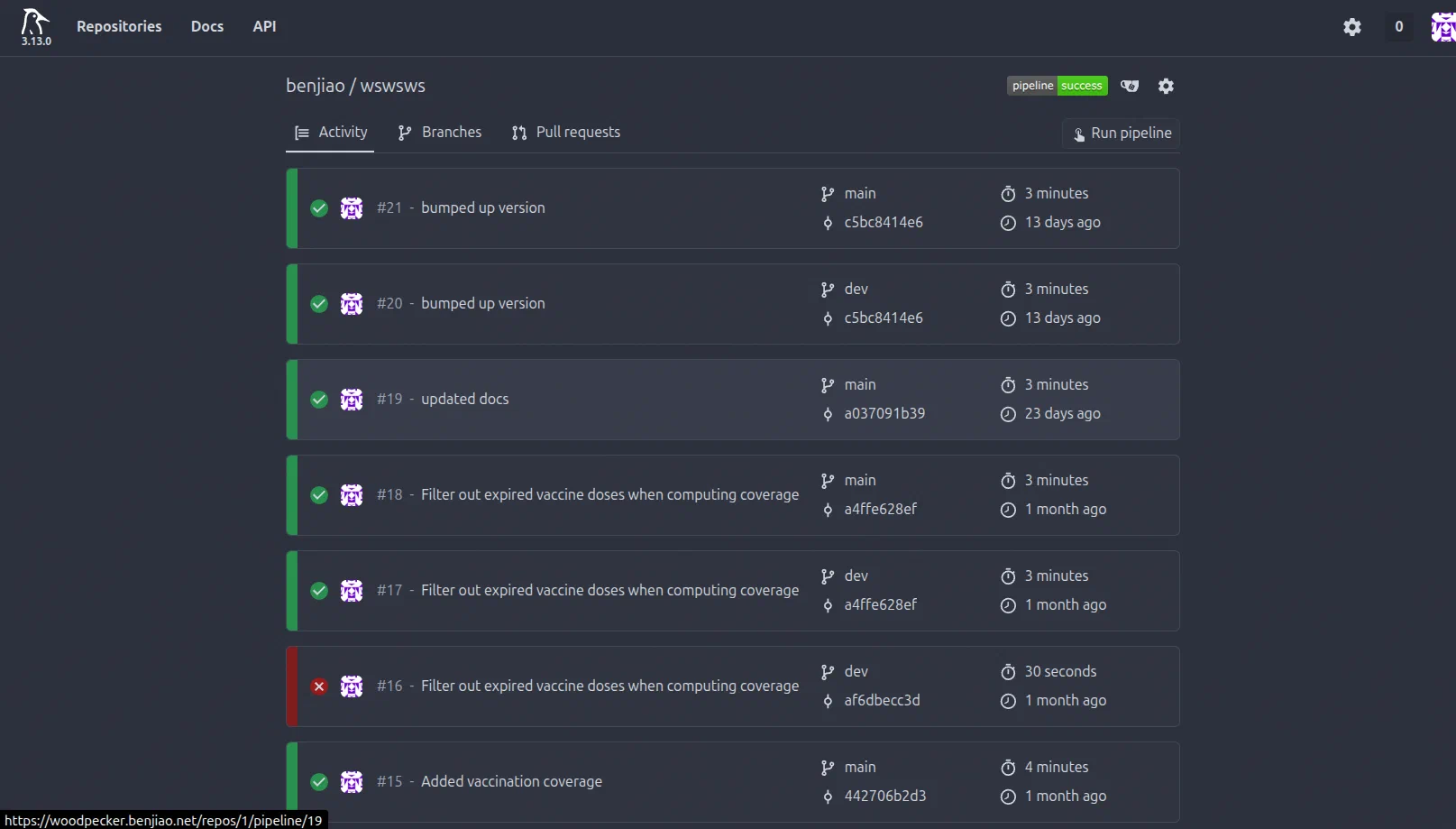
Projects I’m Building
Some of the things in my homelab are also projects I’m actively developing.
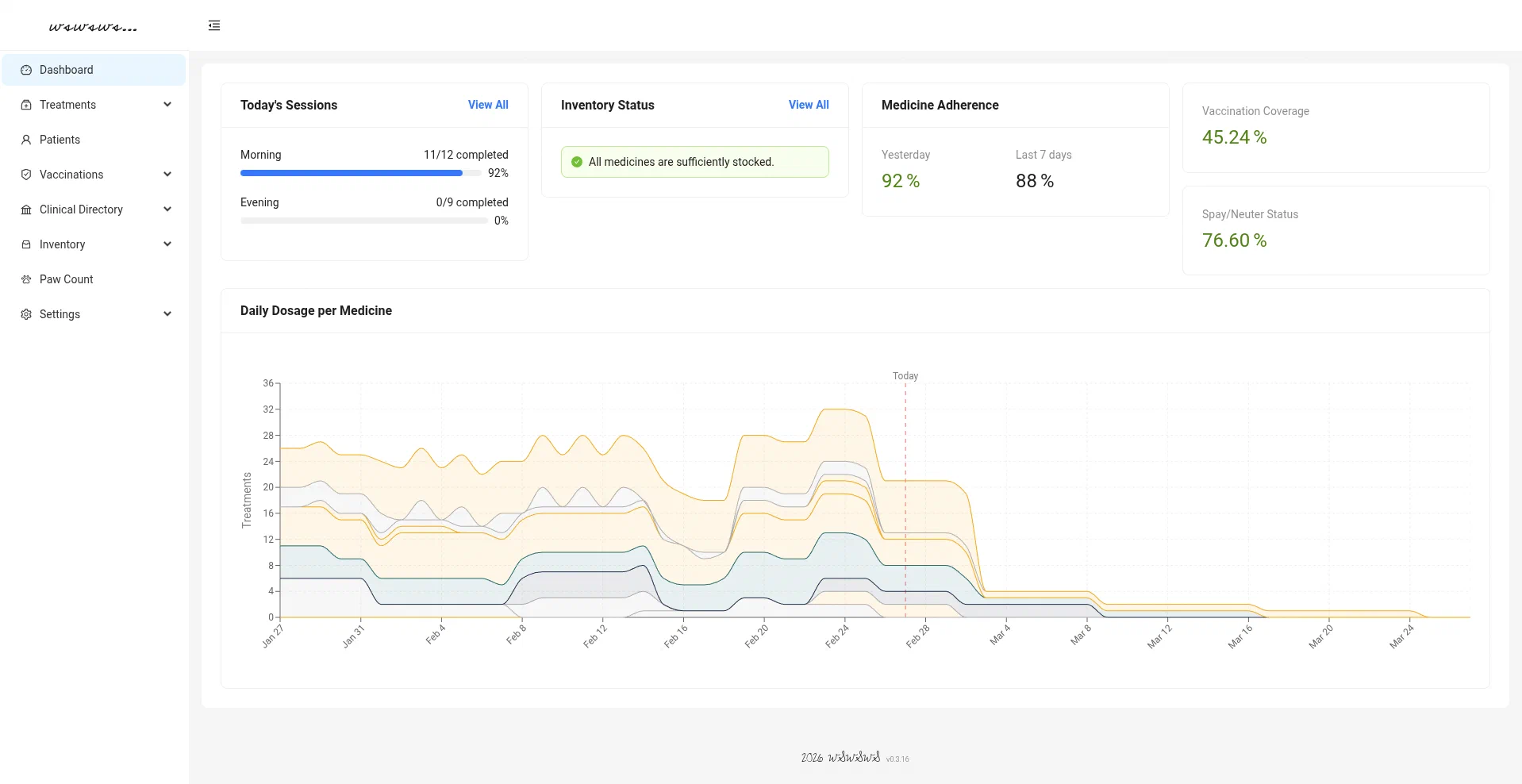
- Wswsws – Cat shelter management software for tracking medications, treatments, vaccinations, and supplies. This is still very actively under development, but the source is already on my Github.
Deployment & Management
Most of the services in my homelab run as Docker containers. The things that I can’t manage using Docker, I do using Ansible playbooks, which lets me reproduce the entire setups quickly if I need to rebuild a machine.
I keep all of my Docker Compose configurations and Ansible files on Github. (At the time of writing, I’m still in the process of sanitizing the rest of my Ansible files. Those will be in the repo soon.)
For provisioning virtual machines and LXCs on my Proxmox cluster, I often use the Proxmox Helper Scripts project, which provides automated installers for many self-hosted services.
Conclusion
Homelabbing has been very fun and enlightening so far. I have learned so much over the past year and I can say that I’ve become a better software developer because of it.
This post was meant as an overview of the things I’ve been playing around with at home. I’d love to write more about each component in more detail in the future. I have also excluded some things that I am still testing out and am unsure of whether I’d recommend them publicly.
You’ll hear from me again soon. Let me know in the comments (I’ve just added comments!) what you’d like me to talk about next.